Top DOCX-to-JATS XML Conversion Options for Publishers
The only list of automated MS-Word (Docx) to JATS XML converters for small and medium publishers. Includes pros, cons and a comparison chart.
Small and medium-sized publishers may not have the dedicated technical or production teams needed to maintain multiple publishing formats in-house. For many scholarly publishers, JATS XML is an important part of that workflow.
JATS XML provides a structured way to represent article content and metadata for online publishing, archiving, exchange, indexing, and downstream processing. Whether you need JATS depends on your journal's publishing and distribution workflow, so always check the technical requirements of the repositories, platforms, and indexes you work with.
This guide compares current ways to turn DOCX manuscripts into JATS XML, ranging from dedicated conversion tools to broader publishing-production platforms.
Note:
Not everything on this list is a standalone DOCX-to-JATS converter. Some are broader publishing workflows that include DOCX-to-JATS conversion as one part of the process.
How to compare DOCX-to-JATS workflows
When comparing tools, don't look only at whether they can produce an XML file. Consider:
Input requirements: How much preparation does the DOCX need?
JATS version and tag set: Which JATS version and configuration does the tool support?
Metadata: How are authors, affiliations, abstracts, DOIs, ORCID IDs, funding information, and other metadata handled?
References: Does the workflow identify, enrich, and structure references automatically?
Tables and figures: How reliably are captions, tables, equations, and figures converted?
Validation: Can the output be checked against the required JATS schema?
Editorial review: Can editors inspect and correct the generated XML?
Customization: Can the output be adapted to a journal's or repository's requirements?
Production workflow: Does the tool also produce HTML, PDF, EPUB, or other outputs?
Technical requirements: Is it cloud-based, installed locally, command-line, or integrated with a publishing platform?
A DOCX-to-JATS conversion that produces valid XML is only the first step. The resulting file still needs to be checked for structure, metadata, references, figures, tables, and compliance with the requirements of the destination where it will be used.
1. SciSpace
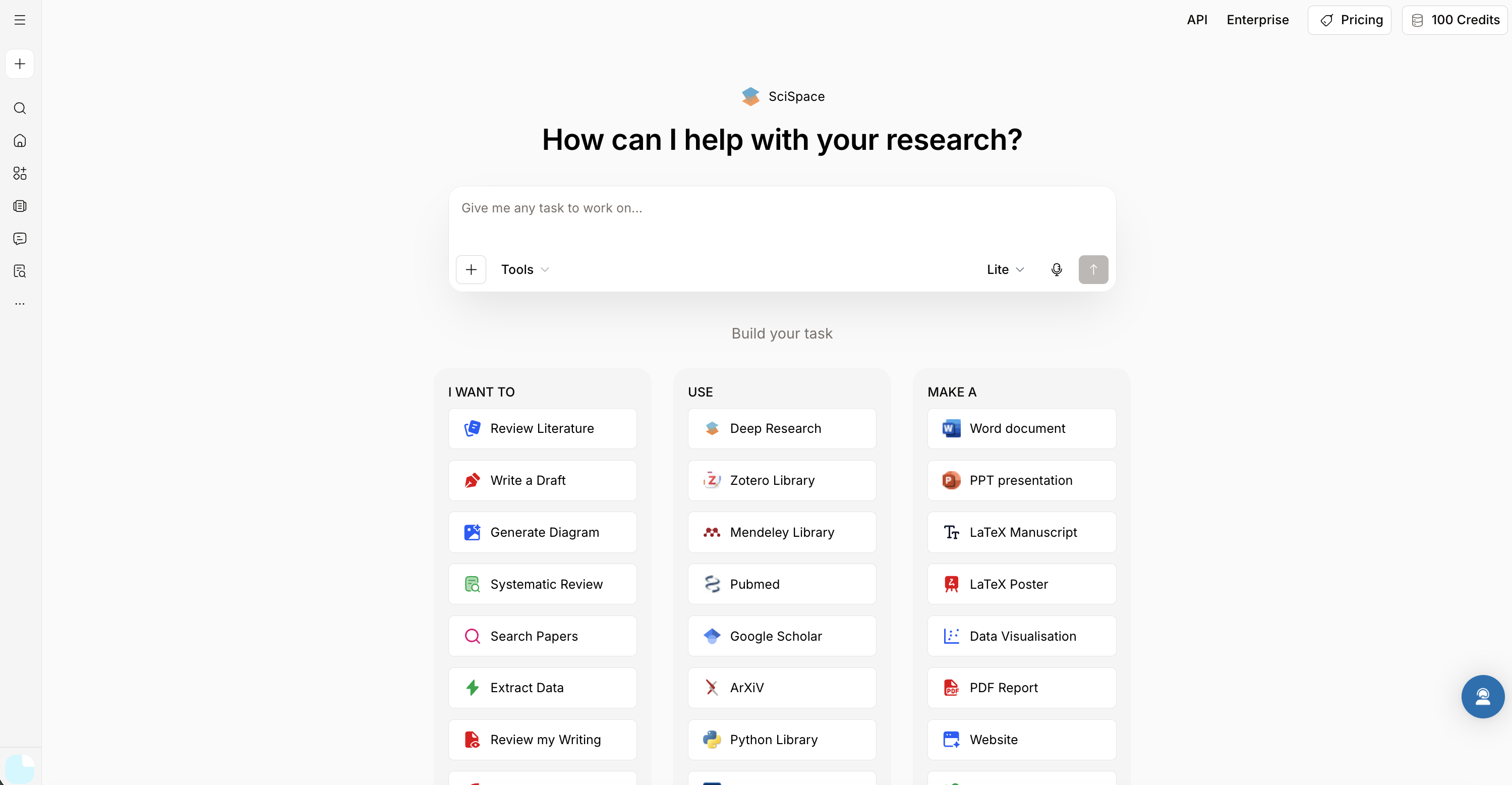
SciSpace is not limited to a single standalone DOCX-to-JATS converter. Its current platform includes AI agents and document workflows for research and publishing-related tasks, including document conversion and structured outputs. The SciSpace platform also has a dedicated DOCX-to-JATS XML conversion workflow.
For example, the current SciSpace DOCX-to-JATS workflow takes an MS Word submission and automatically converts it into tagged XML that can then be downloaded and used in a publishing workflow.
The workflow is designed to reduce the amount of manual XML tagging required from editors and production teams. Depending on the workflow and output, structured article information can include elements such as metadata, references, sections, figures, and tables.
The important distinction is that SciSpace is a broader AI-powered research and document platform, rather than a JATS-only conversion utility. If you're evaluating it for journal production, test the relevant conversion workflow with your own manuscripts and JATS requirements.
SciSpace also provides other XML and publication outputs, including JATS XML, Crossref XML, PubMed XML, DOAJ XML, DataCite XML, SciELO XML, HTML, EPUB, PDF, and OJS-related outputs through its publishing workflows.
Best suited to: publishers and editorial teams looking for an automated, AI-assisted workflow that goes beyond basic DOCX-to-JATS conversion.
2. Typefi
Typefi is a broader automated publishing platform rather than a simple DOCX-to-JATS converter.
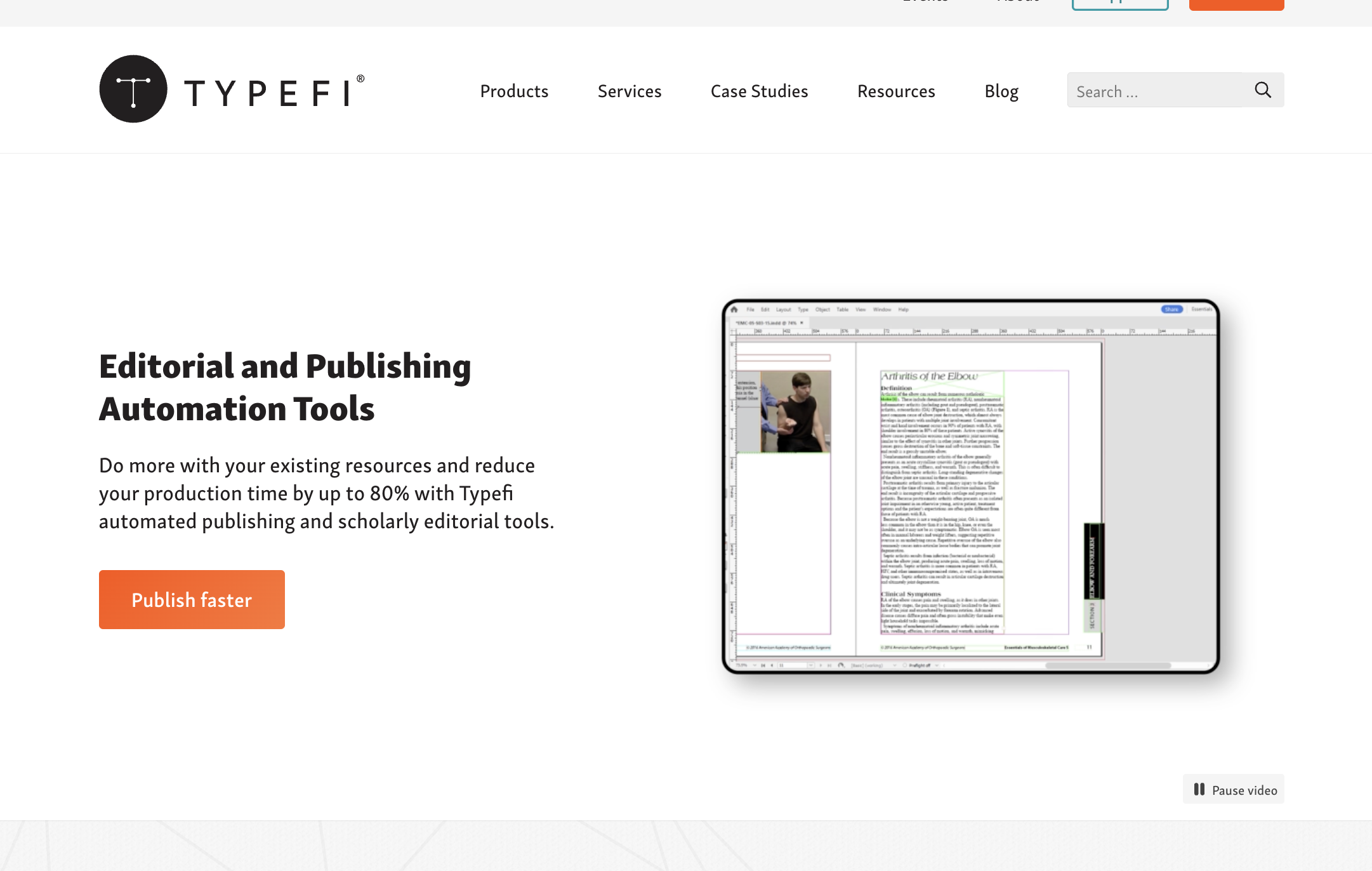
Its current Typefi Orion product is a Microsoft Word-based XML editorial tool designed for scholarly and technical publishing. Orion can export JATS XML, while Typefi's wider workflow can handle content transformation and multi-format publishing.
This makes Typefi more suitable for publishers looking for an editorial and production environment rather than simply uploading a DOCX and downloading XML.
Typefi's current documentation describes JATS export that can be configured to match specific XML requirements. Its 2026 Orion release also includes JATS XML export and reference-management workflows.
Best suited to: publishers with more sophisticated editorial and production workflows that need configurable XML and publishing automation.
3. Ictect
Ictect offers automated XML tagging for publishers and service providers.
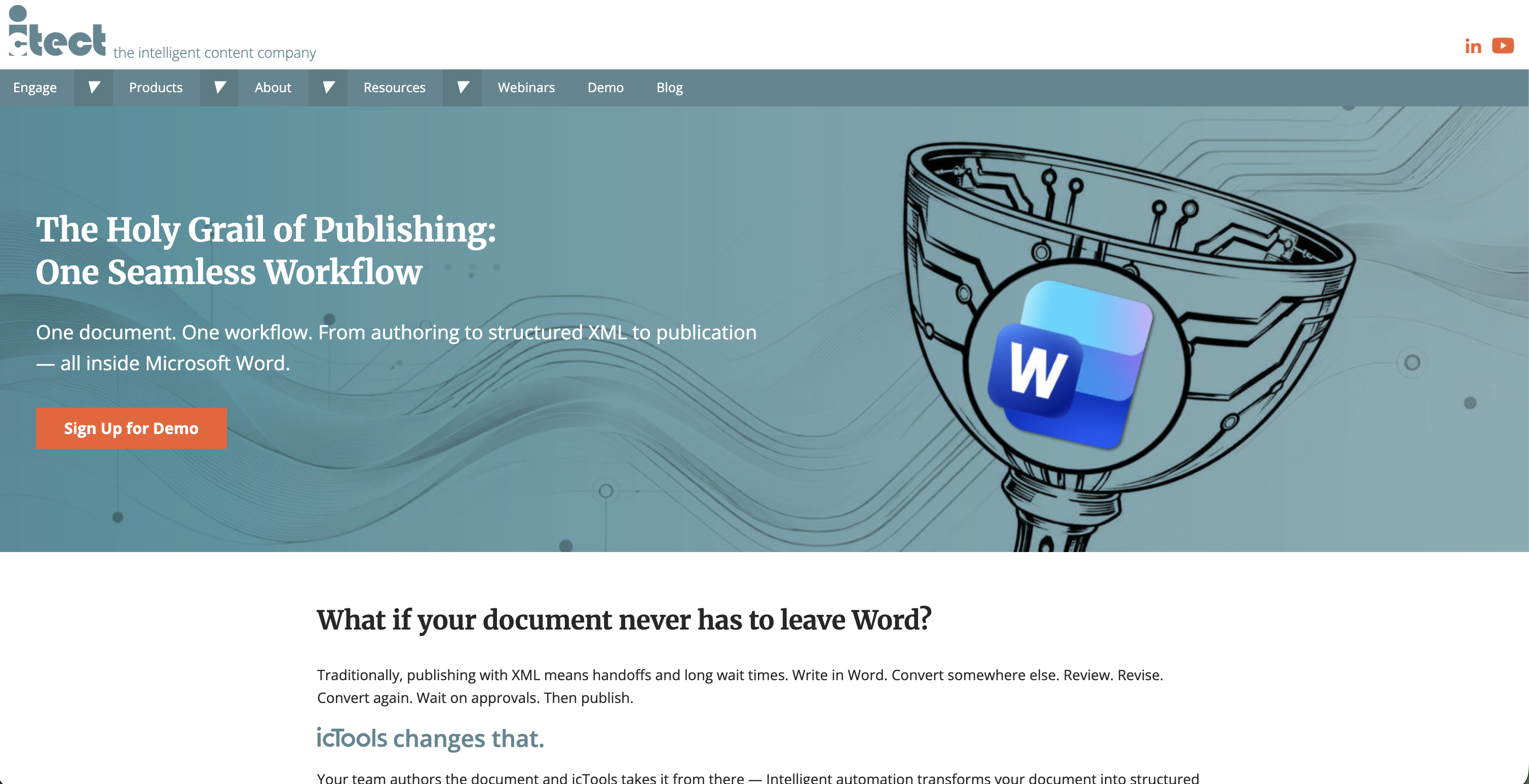
Its Intelligent Content Server can take well-formed Word documents and generate JATS XML, while also providing tools for editing and retagging content in Microsoft Word.
Ictect offers both cloud-based and on-premise deployment options. This can be useful for publishers that need greater control over where their content-processing workflow runs.
The platform is designed around schema-driven XML tagging, so it is more than a basic file conversion utility. Publishers can configure the workflow around their XML requirements and use quality-control functionality during production.
Best suited to: publishers and production organizations looking for configurable, automated Word-to-JATS tagging at scale.
4. Pandoc
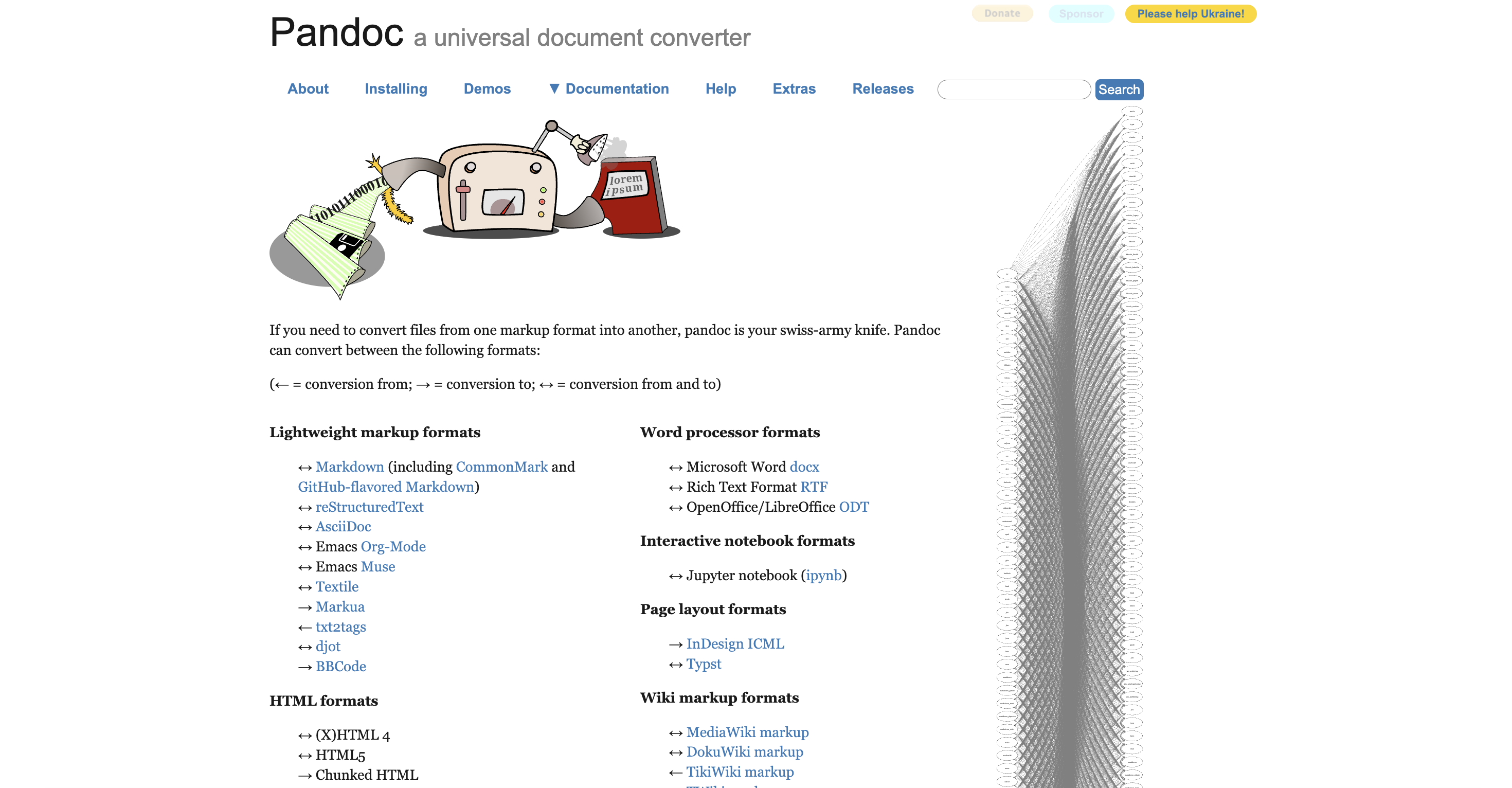
Pandoc is a general-purpose document converter that can read DOCX and produce JATS output.
Unlike the commercial publishing platforms above, Pandoc is primarily a technical conversion tool. It works well for teams that are comfortable with command-line workflows, structured source documents, metadata configuration, and post-conversion validation.
For example, a DOCX can be converted to JATS using Pandoc's JATS output format.
However, don't mistake successful conversion for production-ready XML. Depending on the manuscript and the JATS profile you need, you may still have to handle metadata, references, figures, tables, and other structural elements separately.
Best suited to: technically comfortable teams that want an open-source, scriptable conversion workflow.
5. Scholastica Production Service
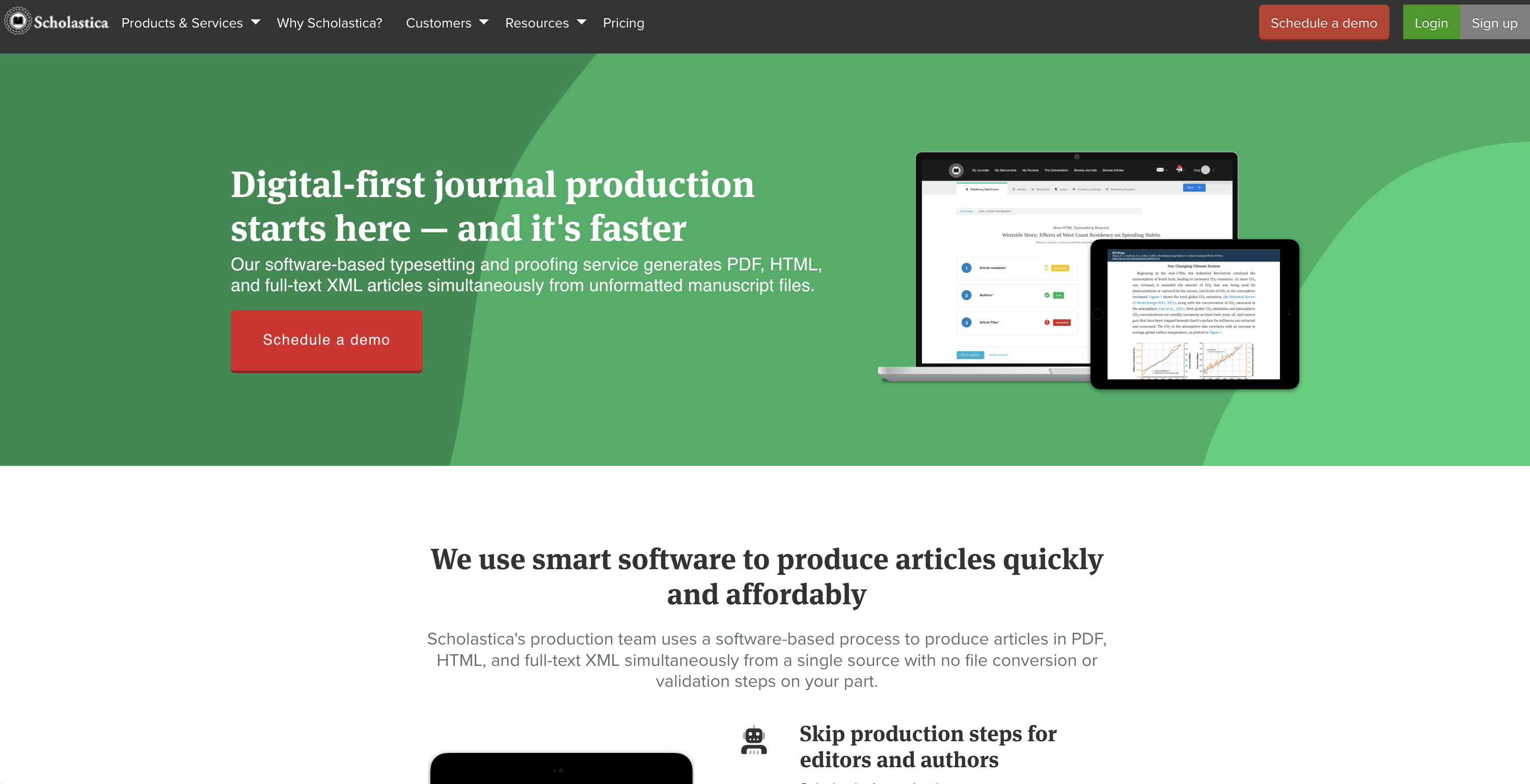
Scholastica's Journal Production Service takes a different approach: instead of giving publishers a standalone converter, it provides a managed production workflow.
Publishers can submit original DOCX or LaTeX manuscripts, and Scholastica's production service generates PDF, HTML, and full-text XML as part of its production process.
Its XML output uses the JATS standard and includes structured metadata such as references, funding information, copyright information, and persistent identifiers when those details are available in the source material.
This makes Scholastica particularly relevant for publishers that don't want to operate the XML conversion process themselves.
Best suited to: journals looking for a managed production service rather than a tool that they need to configure and run themselves.
6. Kriyadocs
Kriyadocs provides editorial and XML production tools for scholarly publishers, including workflows built around structured publishing content and JATS XML.
Rather than thinking of it as a simple DOCX-to-JATS file converter, it is better understood as part of a larger publishing production workflow.
Publishers evaluating Kriyadocs should ask how their current Word manuscripts enter the workflow, which JATS configurations are supported, how references and metadata are handled, and what editorial review is available before XML is delivered.
Best suited to: publishers and production organizations looking for a broader editorial and XML production environment.
7. DOCX2JATS
DOCX2JATS is an open-source Java project specifically designed to transform DOCX files into JATS XML for scientific articles.
It parses the DOCX/OOXML structure and transforms it into JATS XML. The project uses TEIC stylesheets and additional processing for elements such as references, tables, and figure captions.
There is an important catch: the quality of the output depends heavily on how the source DOCX is structured.
The project's documentation recommends using well-formed Word documents with clearly marked headings, references, tables, figures, and captions. It also documents support for citation formats such as AMA and Vancouver.
This makes DOCX2JATS a useful option for technical teams that want to run their own conversion workflow, but it is not a plug-and-play publishing service.
Best suited to: technically capable publishers that want an open-source, self-hosted DOCX-to-JATS conversion option.
8. SRCE JATS XML Converter Service
The JATS XML Converter Service, developed by the University of Zagreb University Computing Centre (SRCE), was created to help academic journals convert manuscripts from DOCX to JATS XML.
The service is designed around relatively straightforward Word manuscripts. Editors prepare their documents using basic Microsoft Word styles and then submit them for conversion.
The project is particularly focused on supporting smaller academic and open-access journals that may not have the resources to build their own XML production workflow.
The service launched in 2024 and has been presented as an active project supporting academic journal editors and publishers.
Access and eligibility may depend on the service's current arrangements, so publishers should check the current requirements before building it into a production workflow.
Best suited to: eligible academic and open-access journals looking for a relatively accessible DOCX-to-JATS workflow.
What should you check before choosing a DOCX-to-JATS converter?
Before committing to a workflow, ask:
Does it support the JATS version you need?
“JATS XML” isn't enough information on its own. Check the JATS version, tag set, and any destination-specific requirements.
How much formatting does the DOCX require?
Some converters work best when the manuscript follows strict Word styles and conventions. Others provide more automated tagging.
The less structured your source documents are, the more important the tool's tagging and quality-control capabilities become.
How does it handle references?
References are one of the places where automated conversion can get complicated.
Check whether the tool can identify references, structure individual citation elements, link in-text citations to the bibliography, and enrich references with identifiers such as DOI or PMID where applicable.
What happens to figures, tables, and equations?
A conversion that handles paragraphs perfectly but breaks a complex table isn't particularly useful in production.
Test the types of content your journal actually publishes.
Can editors review the XML?
Automated conversion doesn't eliminate the need for editorial or production checks. Make sure your team has a way to identify and correct errors before the XML is published or deposited.
Can you validate the final XML?
Always validate the output against the relevant JATS schema and, where applicable, the technical requirements of your destination.
A file being called “JATS XML” does not automatically mean it will pass the requirements of PubMed Central, SciELO, a repository, or another platform.
JATS XML is more than another file format
For publishers, the value of JATS XML isn't simply that it produces an .xml file.
Structured XML can make article content easier for publishing systems and downstream services to process, reuse, archive, and exchange. Properly structured metadata can also support workflows involving identifiers, references, indexing, and machine-readable content.
But XML is not a magic SEO button. Search visibility and indexing depend on the quality of the article, metadata, hosting environment, linking, and the requirements of the individual search or indexing service.
Before you go
If you're working on XML and digital publishing for an academic journal, you may also find these guides useful: